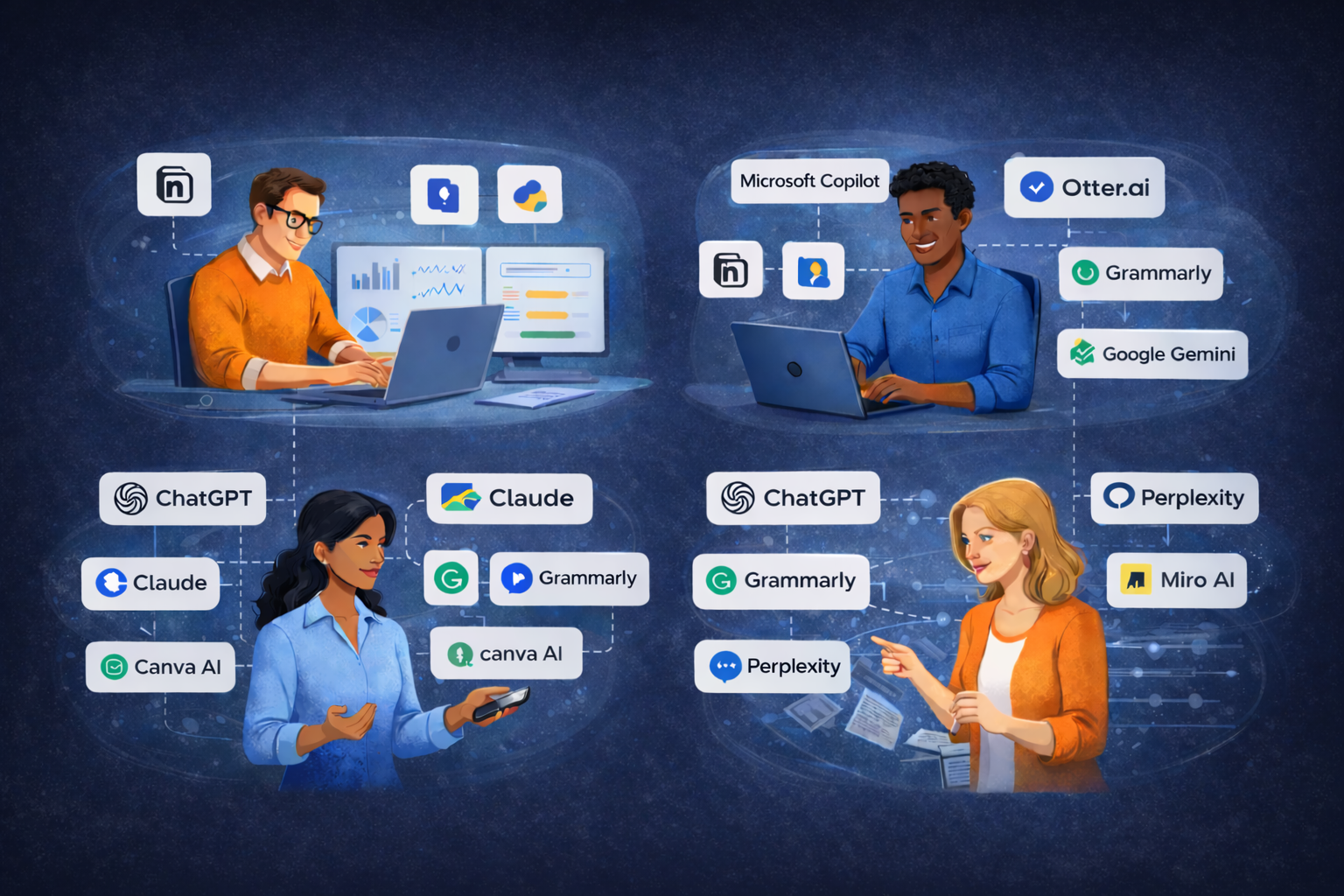
There is no shortage of AI tools for project managers right now. New ones launch every week, and the advice to “just start using AI” is everywhere, but rarely specific enough to be helpful.
The problem isn’t access. It’s fit.
The tools that save time for one project manager can feel completely wrong for another. A lot of that comes down to how you naturally work. Your planning style, your communication habits, how you run meetings, and how you think through problems all shape which AI tools will actually stick.
This isn’t an exhaustive review of every tool on the market. It’s a practical starting point based on how different project managers tend to work, and where AI can genuinely support that.
If You’re a Heavy Planner
You think in structure. You map dependencies, build detailed schedules, and feel most confident when the plan is solid before execution starts.
Where AI helps most:
Generating first drafts of project plans, work breakdown structures, and risk registers.
AI doesn’t replace planning. It removes the blank page.
Starting from a rough draft is faster than starting from zero. You can critique and refine much faster than you can build from scratch.
Tools worth trying:
• ChatGPT or Claude, for drafting project charters, scope documents, and risk lists
• Notion AI, if you already use Notion for documentation
• Microsoft Copilot, if your organization runs on Microsoft 365
Practical starting point:
Describe your next project in a paragraph and ask AI to generate a first-draft risk register. Review it, remove what doesn’t apply, and add what’s missing. You will have a working document in minutes instead of an hour.
If You’re Execution-Focused
You care about momentum. Status, blockers, decisions, and delivery drive your day. You don’t want to spend time on documentation that doesn’t move the project forward.
Where AI helps most:
Automating the administrative work that pulls you away from delivery.
AI doesn’t move the project. It removes the friction around it.
Meeting notes, status updates, and follow-up emails are high-frequency, low-complexity tasks that AI handles well.
Tools worth trying:
• Otter.ai or Fireflies.ai, for meeting transcription and summaries
• Notion AI or Confluence AI, to summarize notes and generate updates
• ChatGPT, to turn bullet points into structured reports
Practical starting point:
Use a meeting transcription tool in your next call and compare the AI summary to your own notes. Most project managers are surprised by how much they missed and how much time it saves.
If Communication Is Your Core Skill
You manage through relationships. You understand your stakeholders, adapt your message to different audiences, and know that how you say something matters as much as what you say.
Where AI helps most:
Drafting communication faster without losing your voice.
AI gives you the structure. You bring the judgment.
AI provides a strong starting point. You refine tone, context, and intent.
Tools worth trying:
• ChatGPT or Claude, for drafting stakeholder updates and difficult conversations
• Grammarly, to refine tone and clarity
• Canva AI, for creating visual updates or presentations
Practical starting point:
Ask AI to draft three versions of a stakeholder message with different tones: direct, diplomatic, and concise. Use the best parts of each. You will often write faster and better.
If You’re a Problem Solver and Strategic Thinker
You are comfortable with ambiguity. You analyze situations, weigh options, and make decisions when the path is not obvious. People come to you with complex problems.
Where AI helps most:
Thinking through scenarios, challenging assumptions, and exploring alternatives quickly.
AI doesn’t decide for you. It expands how you think.
It works as a thinking partner, helping you see options faster and test your reasoning.
Tools worth trying:
• ChatGPT or Claude, for scenario analysis and decision frameworks
• Perplexity AI, for research-backed answers
• Miro AI, to organize and visualize complex information
Practical starting point:
Before your next major decision, ask AI to argue against your plan. Use it as a devil’s advocate. You may uncover gaps or strengthen your reasoning.
The Tool Doesn’t Matter as Much as the Habit
The most common mistake project managers make with AI is treating it like a project, something to evaluate, implement, and roll out perfectly.
Most project managers are not struggling with AI tools.
They are struggling to use them consistently.
It works better when you treat it like a habit.
Pick one task. Use AI for that task consistently for a few weeks. Then add another.
The project managers getting the most value from AI are not the ones testing every new tool.
They are the ones who made AI part of how they work.
Your project management style is not a barrier to using AI.
It is the best guide for where to start.
Final Reflection
You don’t need to use every tool.
You don’t need to follow every trend.
You just need to find what fits how you already work, and build from there.
Which of these styles resonates most with how you work? And have you found an AI tool that genuinely fits your workflow?
Rosana Inacio — PM Insights
Leave a Reply